Key points
- Write each class down with its day, time, length, place, price and number of places before you choose anything.
- Choose software that lets students book without an account or a password.
- Record cash the moment it comes in, against the booking, so nobody is chased for money already paid.
- Decide your waiting list rule, including how long someone has to take a freed place.
- Check the plan’s booking cap and features against your busiest month before you commit.
In this guide
A WhatsApp group and a bank transfer can carry a small timetable a long way. They tend to fail at the same points: when you cannot remember who is booked, when a class fills and someone is left waiting, or when a student says they paid and you cannot see it. This guide covers what a booking system has to do, the options from a spreadsheet to dedicated software, and what to check before you choose.
What a booking system has to do
A booking system needs to do six things.
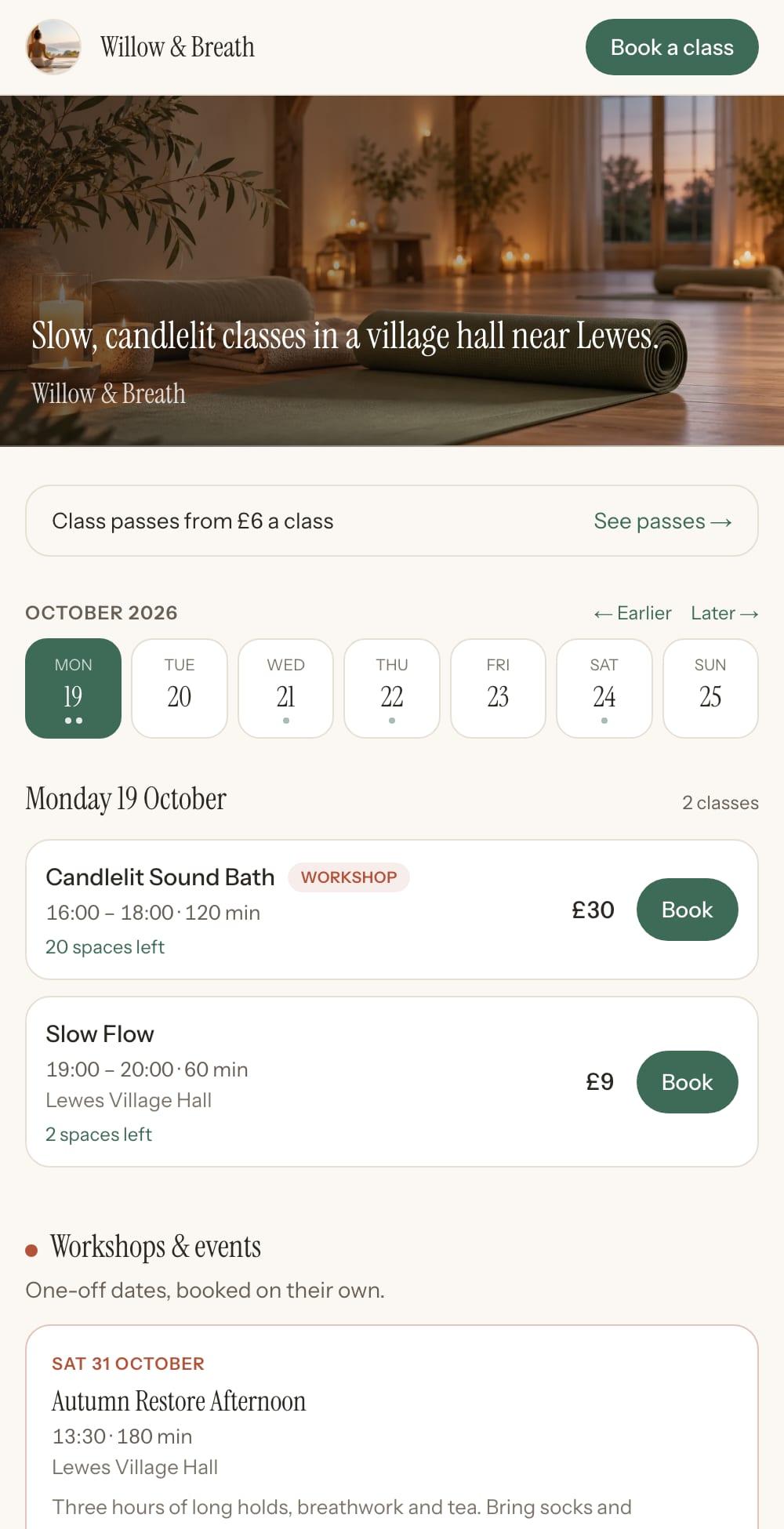
- Show the timetable and the places left in a form students can read on a phone.
- Hold a place when someone books it, so two people cannot take the last mat at once.
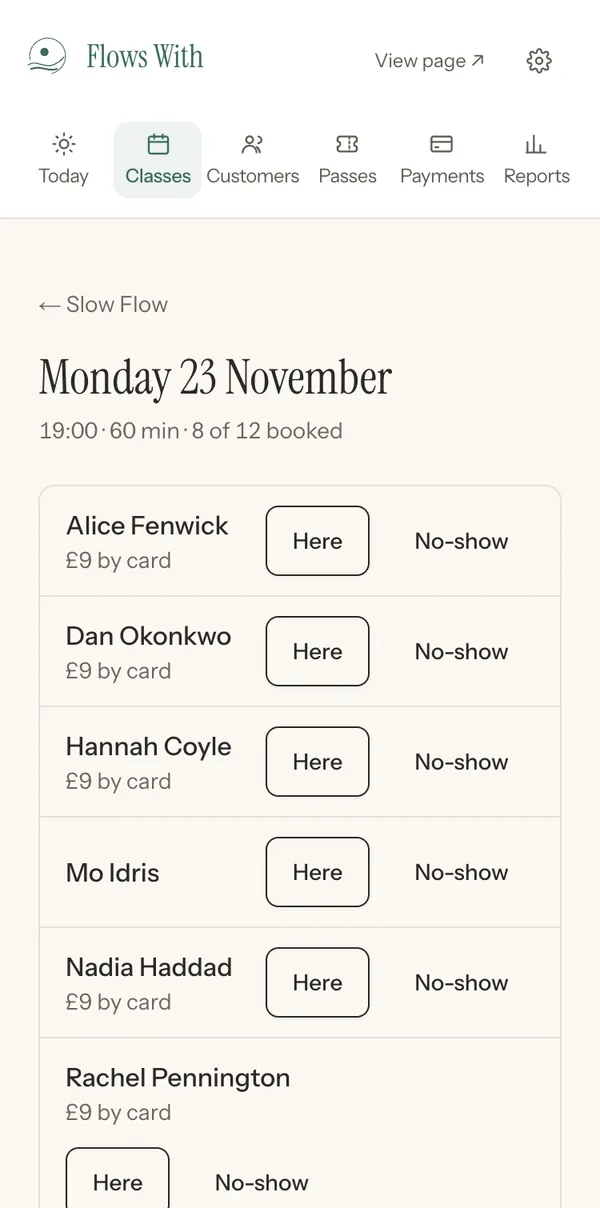
- Take payment, or record cash, against each booking, so you can see what is paid.
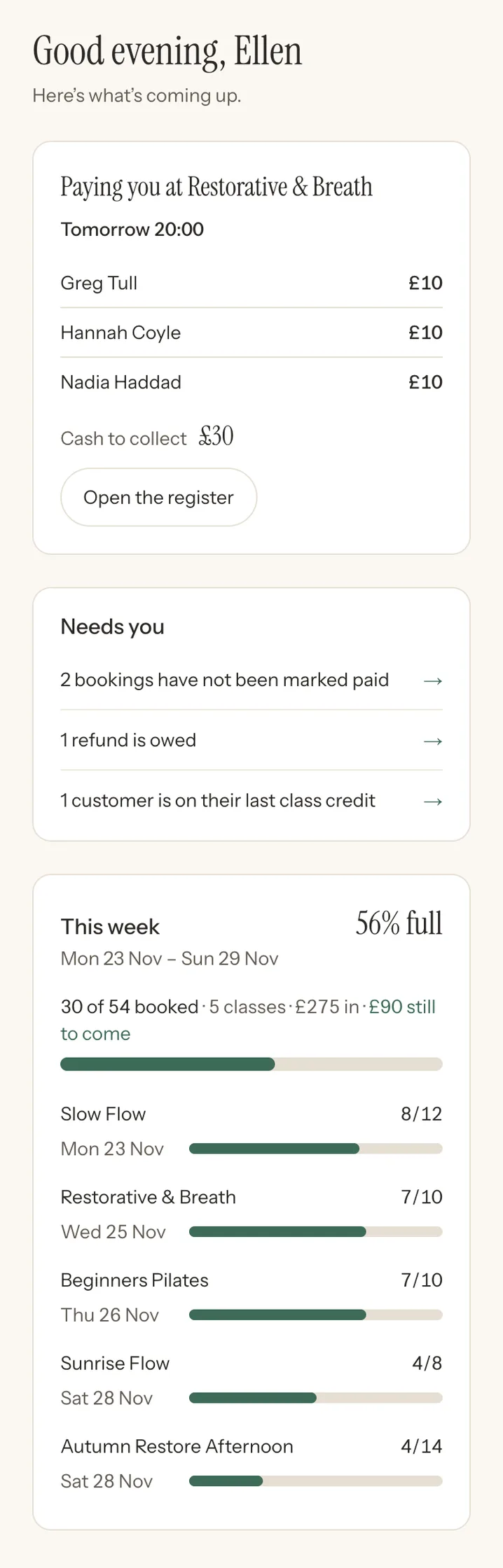
- Give you a list of who is booked, for the register at the door.
- Handle cancellations, and say what a cancellation costs the student before they confirm.
- Keep a record for each student, so you know who they are when they come back.
Anything more only helps if you use it.
Where a spreadsheet and WhatsApp break
A spreadsheet is free, and it works well for one class of six students. It breaks in three places. Two people edit it at once, or someone books by message and the sheet is never updated. The count of places is typed by hand, so it drifts from the room. And a payment reaches the bank but not the sheet, so you chase it at the door. A spreadsheet is still a sensible choice for one teacher, a small class and no online payments. It is worth moving when one of those stops being true.
WhatsApp breaks differently. A booking is a message, a cancellation is another, and the list is only as good as your memory of the thread. Teachers who use it well pin a list and update it by hand. That works until the list is long enough that you stop trusting it.
Taking payment
Most teachers use some mix of three methods: payment in advance online by card, payment at the class, and a pass or block bought ahead. Online card payment needs a payment provider. Our cost guide explains how card fees and VAT affect what you pay.
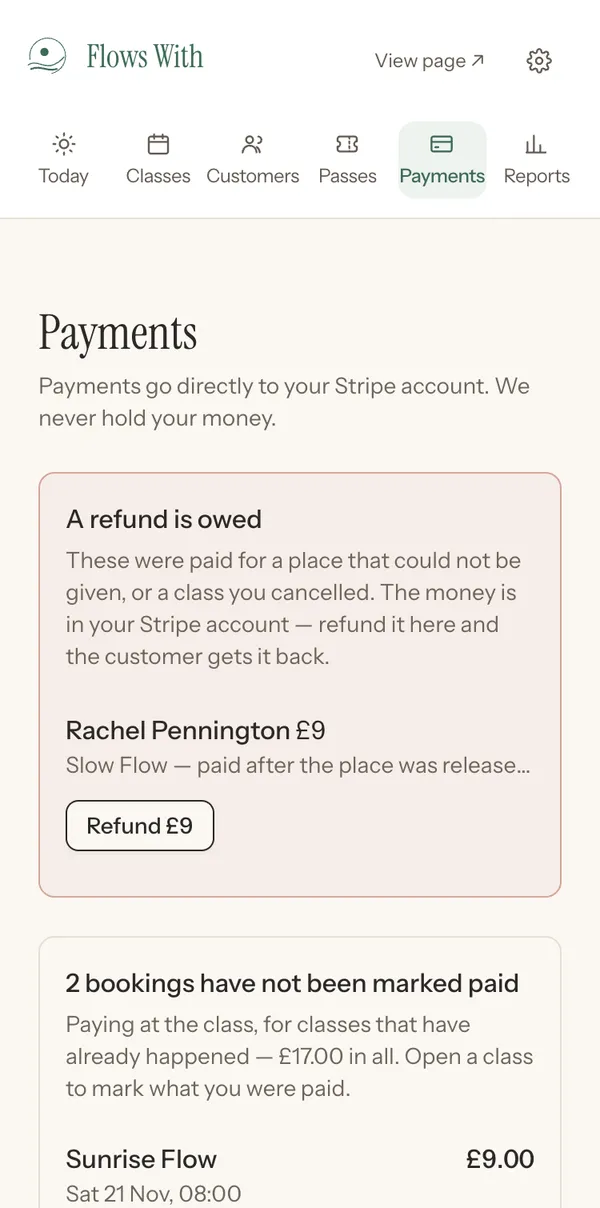
Record cash the moment it comes in, against the booking. If cash is not marked paid, you will end up chasing a student for money they have already given you.
Waiting lists
When a class is full, a waiting list keeps things fair: the first person to ask is the first offered a place when one opens. By hand, that means messaging the top of a list, and deciding what to do if they do not reply. Decide the rule before you need it, including whether the place then goes to the next person.
Tell the person who is offered the place how long they have to take it, in the same message as the offer, so nobody is left guessing.
Cancellation terms
Write them down, show them on the booking page, and say them before anyone pays. A rule that exists only in your head will be applied differently to different students. Three things to decide: how long before the class someone can cancel and still get something back; what they get back, whether a refund, a class credit or nothing; and what happens when you cancel a class yourself. For that last one, decide in advance that everyone booked is told, and that anything they paid or used is given back.
A rule that exists only in your head will be applied differently to different students.
Choosing software
Look at these before you look at the price.
- Can students book without making an account or remembering a password? A sign-in by emailed link or code avoids both.
- Does the price cap bookings, students or features? Read the plan table, not the headline figure. Our cost guide compares the main UK options with VAT worked out.
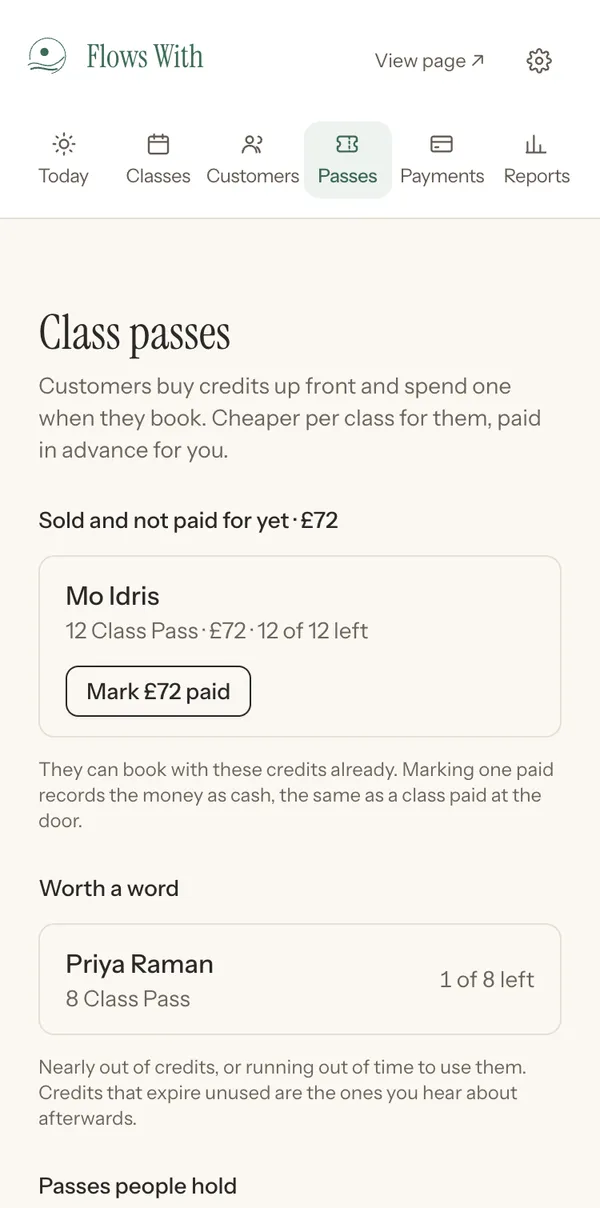
- Can it hold class passes and blocks, with the balance and expiry visible? See running class passes.
- Can you add a walk-in, and mark cash as paid?
- Can you export everything, whenever you want?
- Does the trial let you use a real timetable?
Flows With does each of these. Students book with a name and an email address, with no password, and pay by card through Stripe Checkout or in cash at the class. A waiting list offers a freed place to the next person automatically. You can add a walk-in and mark cash paid, and export your records. The price is on our pricing page: £14.99 a month, with 14 days free and no card to start.
A first week
Set your classes, cancellation rule and payment method before the first booking, then tell your students in one message. The wording is in our guide to telling your students.
Prices and features of other companies were checked on their own websites on 24 November 2026. They change, so check before you decide.