Key points
- Tell students once bookings have moved, not a week before, or they book into the old system.
- Answer four questions in one message: their passes, their booked places, their login and their money.
- Send one clear message before the switch, and a short note after it if anyone has had trouble.
- Start with the students who hold a pass or have a booking in the next fortnight.
- Use the channel your students read, and send the same words by email as a written record.
In this guide
Students usually care about a few practical things, and the software is not one of them. They want to know that the classes they paid for are still theirs, that the places they booked are still booked, and that they do not have to do anything complicated. Tell them early enough to act, say what changes for them, and say what they need to do, which is usually very little. This guide covers when to tell them and what to say.
What students worry about
Answer these four in your first message, and most of the questions go away.
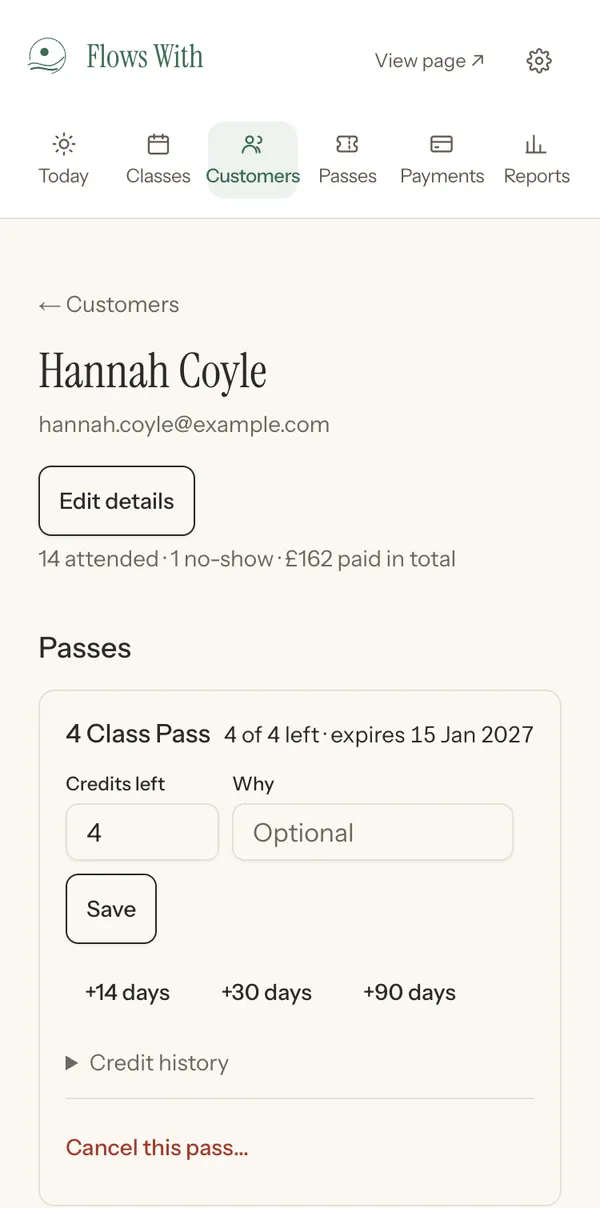
- Their class pass: will the classes left still be there, and will the expiry date change?
- Their booked places: are they still booked into Tuesday’s class, and will they still get a reminder?
- Their login: do they need a new account or a new password?
- Their money: did the payment they made reach you, and is it recorded?
When to tell them
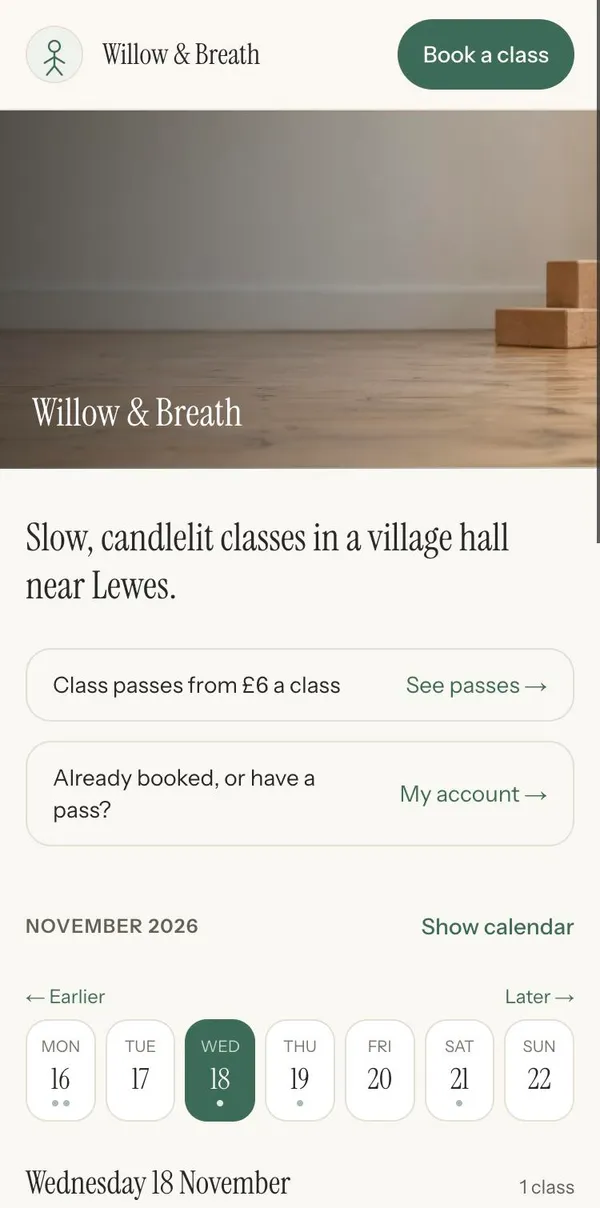
Tell them once the new system is ready to take bookings, not before. A message sent a week early sends students to a booking page that does not work yet. They book in the old system, and then the place is lost when you switch. Send the message on the day you move, or the day before, and say the date on which bookings change over.
Send one clear message before the switch, and one short note after it if anyone has had trouble. Several small messages mean the one that matters gets lost among them.
If you have a long list, start with the students who hold a pass or have a booking in the next fortnight. They are the ones who will notice first if something has moved.
Use the channel your students actually read. If most of them reply on WhatsApp, send it there. If you also have an email list, send the same words by email, so there is a written record they can search later.
What to say
Adapt the words, but keep the order: what is changing, what it means for them, what they need to do, and when. Only write the sentence about passes once you have checked a few balances in the new system.
WhatsApp, to your class group or list
“Hi everyone. From [date] I’m moving class bookings to a new system. Your passes and the places you have already booked come across with you, with the same classes left.”
“To book from then on, use [new link]. Please use the same email address you gave me before, so the system can find your pass.”
“Bookings in the old system stop on [date]. If something doesn’t look right, message me and I’ll check it within a day. Thanks for coming along with me.”
Email, to your students
Subject: “Changes to how you book classes from [date]”
“Hi [first name],”
“From [date] I’m moving my classes to a new booking system. Here is what that means for you.”
“Your class passes: the classes you have left, and the date each pass runs to, come across with you. You don’t need to do anything to keep them.”
“Your booked places: the classes you are booked into from [date] stay booked.”
“Booking: from [date], book at [new link], using the same email address you used before, so the system can find your passes and bookings.”
“If anything doesn’t look right, reply to this email and I’ll check it within a day. Thank you for coming along with me.”
“[Your name]”
A short note after the switch
“The new booking link is live: [link]. If you were booked into [class] this week, you’re still in. If your pass shows a different number from the one you expected, reply and I’ll put it right.”
Keep every message short. Students read on a phone, and a long one gets skimmed. If you have more to say, put the detail on your booking page and link to it from the message.
If something goes wrong
Some passes will not come across as you expect: a balance typed wrongly, a student who booked with a different email address, or a class that was renamed. Say so as soon as you know, correct the number by hand, and tell the student what you did. A fix made quickly is much easier to forgive than an error found at the door.
A fix made quickly is much easier to forgive than an error found at the door.
Where to read next
Switching booking system, step by step sets out the order of work behind this message. If you are moving to Flows With, the moving page explains how the move works.